
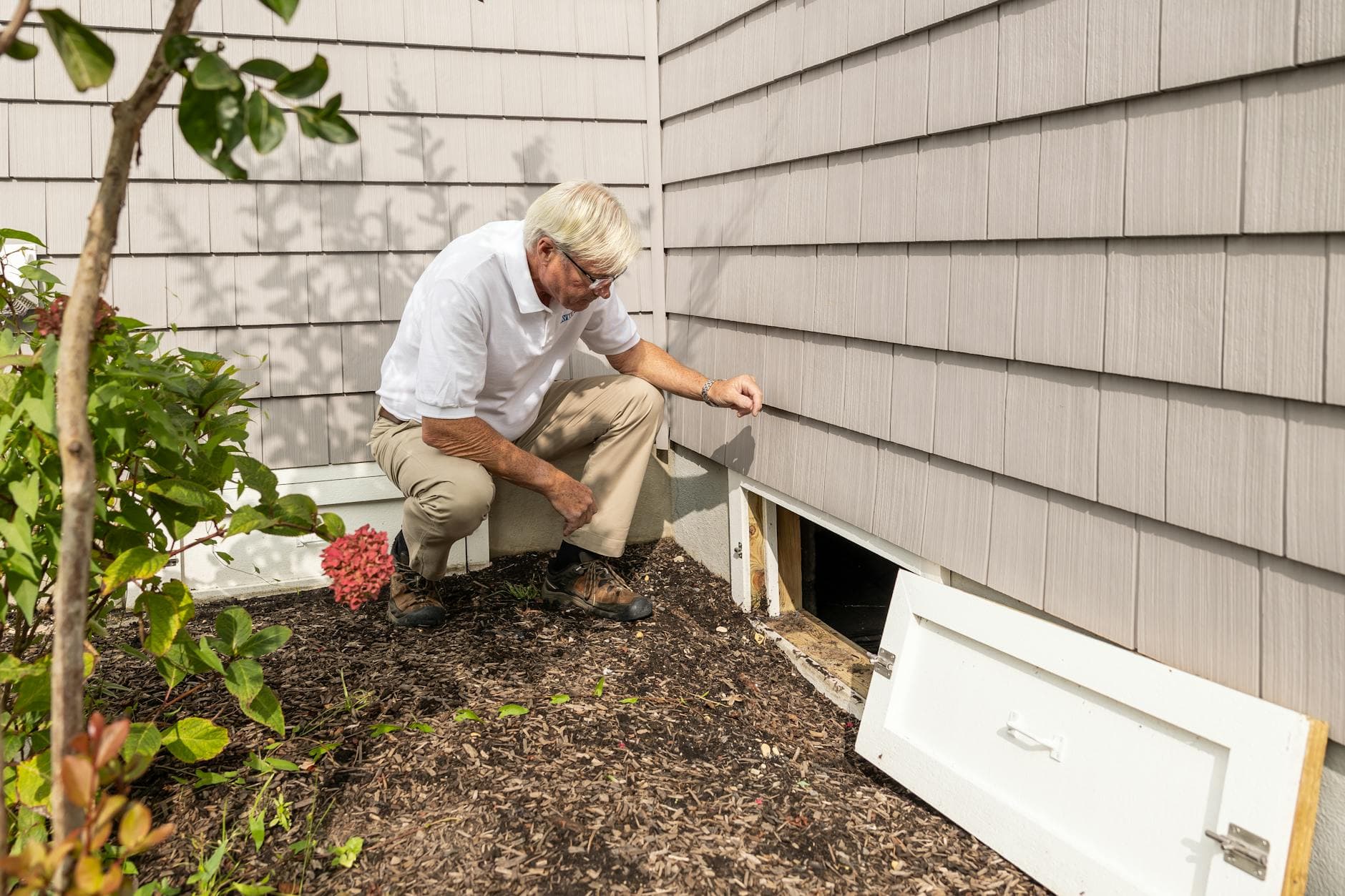
Why Adding Photos to Your Estimates Wins More Jobs
A photo of the problem your estimate solves is worth more than any line item description. Here is how contractors use job-site photos to build trust and close higher-value work.
The estimate without context
An estimate that lists "repair rotted fascia board — 18 linear feet, $340" tells the customer what you're doing and what it costs. It doesn't tell them why.
The same estimate with a photo of the fascia board — the visible rot, the soft wood, the place where water has been getting behind the siding — tells a story. The customer understands the problem. They can see why the repair is necessary. The $340 line item now feels like a solution rather than a charge.
Photos in estimates are one of the simplest changes a contractor can make. The impact on trust, approval rates, and dispute prevention is significant.
What photos do that words don't
They document the pre-existing condition. A photo of the damage you found before you started work is your protection if a customer later questions whether the issue was pre-existing or caused by your work. This alone is worth building the habit.
They justify the scope. When a customer can see the scope — the damaged area, the size of the job, the condition of what you're replacing — the line items make sense. Estimates that include photos of the problem almost never generate "why is this so expensive?" responses, because the answer is visible.
They signal thoroughness. A contractor who photographs the job site during a walkthrough looks more systematic and careful than one who just takes mental notes. That impression transfers to how the customer perceives the quality of your work.
They improve the approval experience. A customer reviewing your estimate on their phone, seeing photos of their own property alongside the scope and pricing, has a much richer and more confident approval experience than one reading a list of text descriptions.
What to photograph during a walkthrough
Photograph the problem, not just the property. The damage, the rot, the failing equipment, the worn surface — whatever your estimate addresses. This is the "before" that makes the "after" worth paying for.
Photograph anything that might change. If there's a condition that might affect your scope — the state of the substrate under the surface you're replacing, the access challenges, the proximity of other structures — photograph it. If that condition affects the job later, you have documentation.
Photograph measurements when you take them. A photo of a tape measure against the damaged area simultaneously documents the measurement and the condition.
Photograph anything the customer flagged as a concern. If they pointed something out during the walkthrough — "and this part here worries me" — photograph it and reference the photo in your estimate notes. It shows you listened.
How to include photos in your estimates
Most modern estimate tools allow you to attach photos either to the estimate overall or to specific line items. The approach that works best:
One or two overview photos at the top — a wide shot of the job area that gives the customer context.
Photos tied to specific line items — if you're including a "rotted fascia repair" line, attach the photo of the rot directly to that item. The customer reads the line and sees immediately what it's addressing.
Keep photos practical — clear, well-lit, genuinely showing the issue. Blurry phone photos of a vague area don't help. A good sharp photo of the specific damage being repaired is worth many words.
Before-and-after: the marketing side
Beyond the estimate itself, the habit of photographing job sites opens up the most underused marketing asset most contractors have: before-and-after photos.
Every job you complete is a potential portfolio entry. The before photo from the estimate walkthrough and the after photo from the completion — taken from the same angle — is exactly the content that performs well on social media, in Google Business Profile updates, and in future estimates to customers with similar problems.
The phone is already in your pocket. Taking five photos on a walkthrough costs 90 seconds. The returns — in trust during the sale, in dispute protection during the job, and in marketing value after it — compound over every job you take.
Make it a habit before the next walkthrough.
Win the job. Lock the deposit. Move on.
Riveta is rolling out by invite. Join the waitlist and we'll reach out when your spot is ready.